

Release overview
Jivaro released Instanciar v0.14 as a cleaner customer-facing build of the Windows browser instance manager. The release focuses on everyday workflow: dashboard readability, profile setup, browser consistency checks, and live release notes inside the app.
Instanciar remains focused on separated Chromium-based browser workflows, including client work, testing, remote work, compartmentalized browsing, profile separation, and proxy-supported launches where appropriate.
Dashboard changes
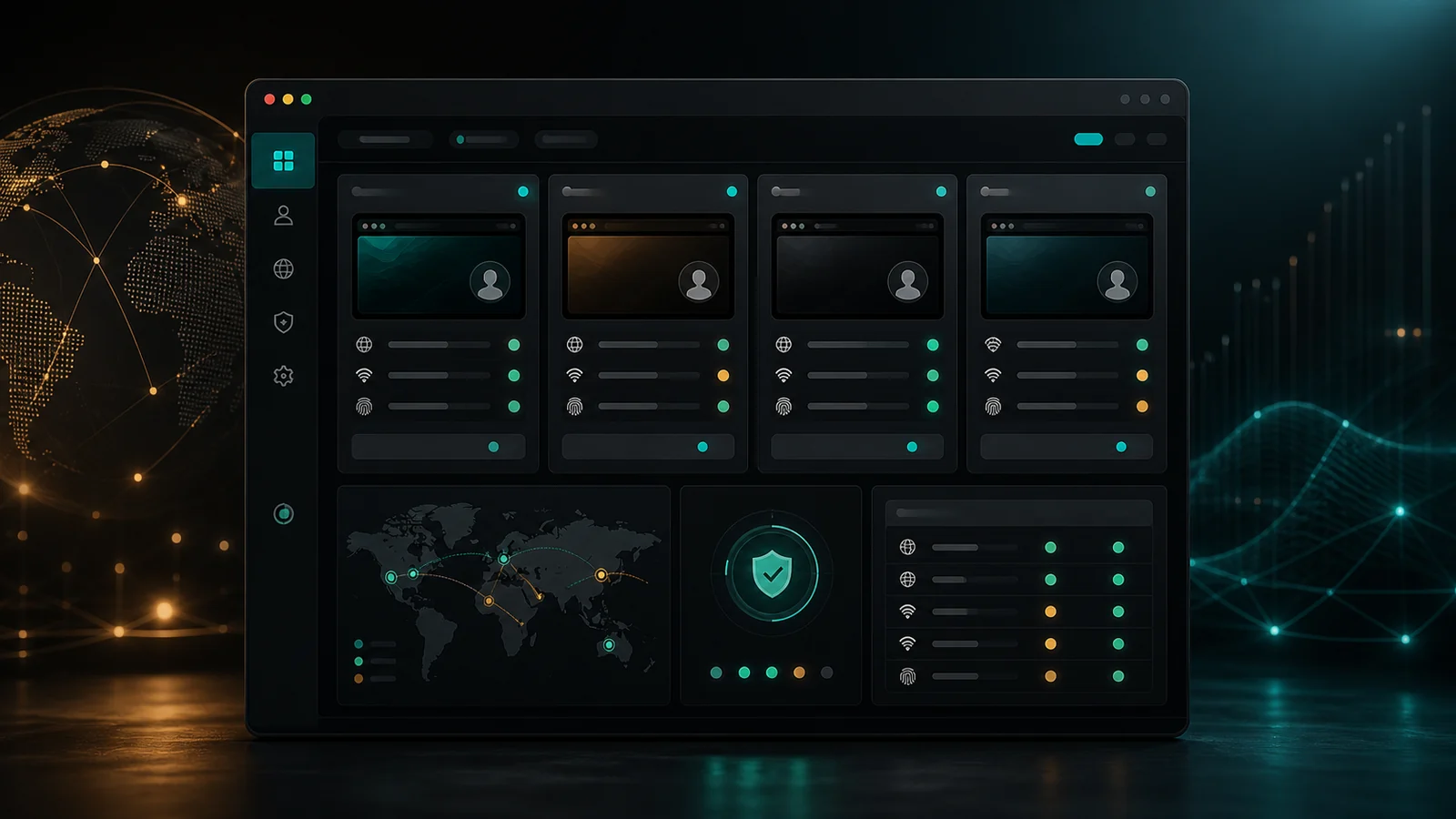
The dashboard gets the most visible refinement. Instance groups, search, filtering, and setup summaries are easier to scan, which matters when users maintain several profiles or separated browser contexts.
The detail and inspector area is also more explicit, making it easier to review proxy, region, timezone, language, WebRTC, and profile settings before launching a browser workflow.
Profile checks
Instanciar v0.14 adds Region Profiles and clearer consistency checks so mismatched settings can be surfaced before launch. Instead of forcing users to hunt through scattered fields, the app can make setup issues easier to understand.
The release also adds browser launch modes and a live What’s New panel, reducing confusion about what changed between builds.
Download and support
The latest build is available from the canonical Instanciar page. Users should download only from Jivaro-controlled links and should report reproducible issues through the current support route.
As with any browser-profile or proxy-supported tool, users should follow platform rules and use separated sessions only where the workflow is allowed.
Sources and references
- Instanciar download pageJivaro · first-party
- Jivaro supportJivaro · first-party