

Instanciar. Free browser instance manager.
Instanciar is a portable Windows app for launching and managing separated Chromium-based browser instances for testing, client work, compartmentalized browsing, and approved proxy-supported workflows.
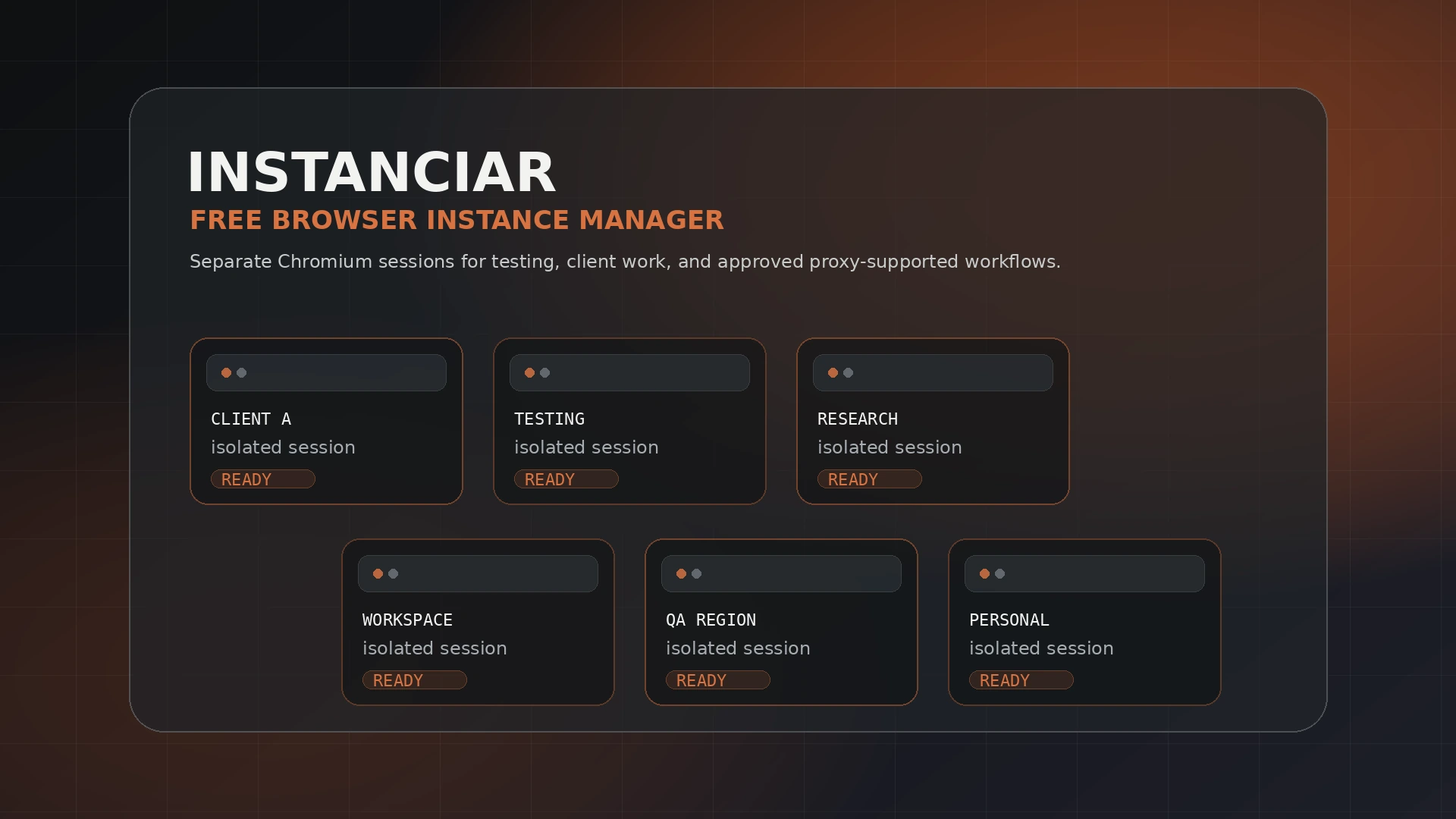
Separate browser work without juggling profiles manually
Instanciar focuses on practical browser compartmentalization. It is not a guarantee of anonymity, security, or platform permission. Use it only where browser automation, proxies, and separated sessions are allowed.
Keep browser instances separated so cookies, local data, and session context do not overlap unnecessarily.
Launch and manage Chromium-based browser instances for testing, client work, and separated browsing tasks.
Use proxy-supported browser launches for location-aware testing and workflow separation where allowed.
Keep the tool lightweight instead of building an entire browser-management stack around one task.
How Instanciar fits into browser operations
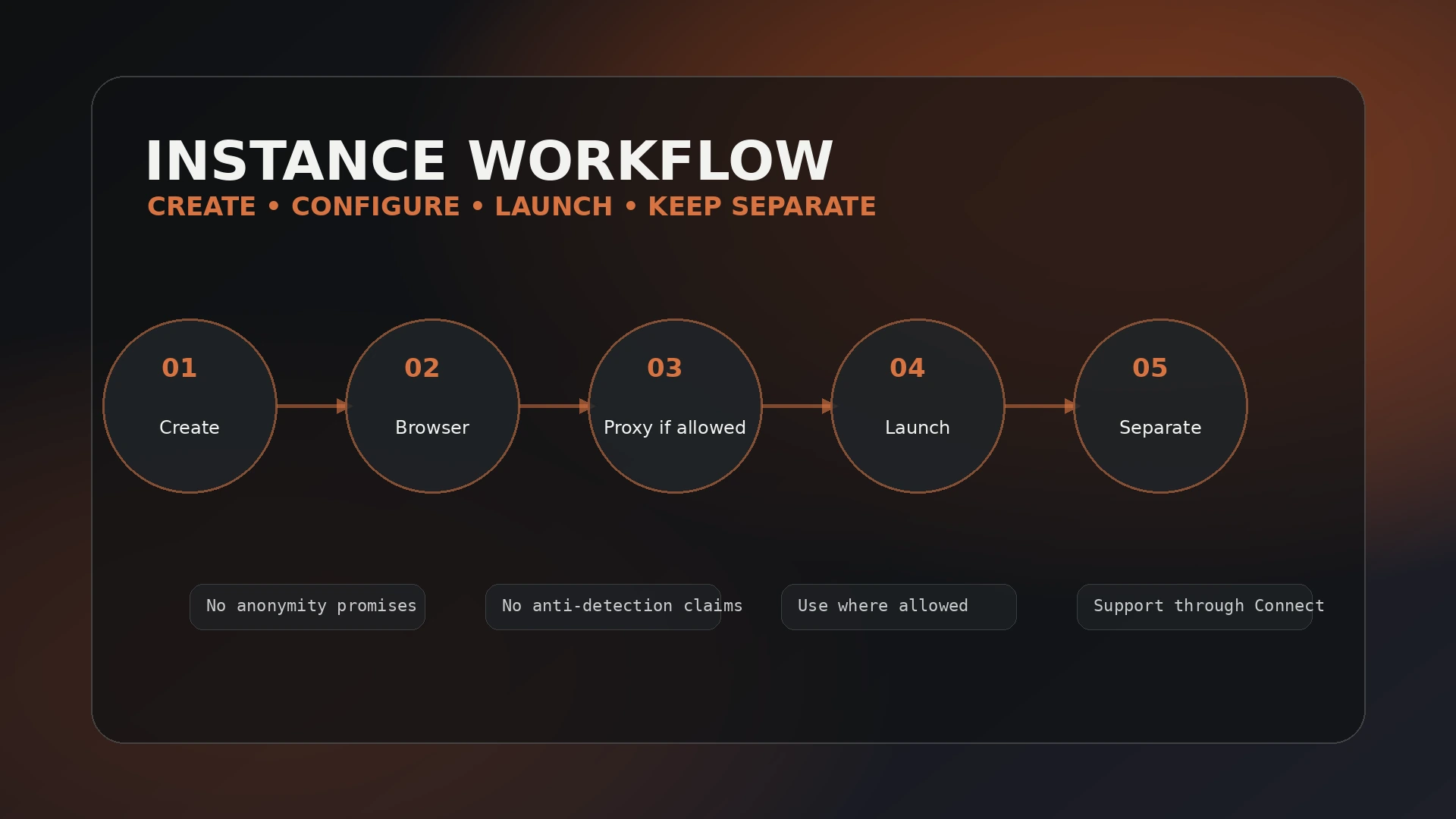
Create a clean instance, keep the browser context separated, apply proxy settings only when the workflow permits it, and launch the instance when that workspace is needed.
Set up a separate browser instance for a task, client, account group, or testing scenario.
Use a Chromium-based browser executable for the instance workflow.
Apply proxy settings only when the workflow requires it and you are allowed to do so.
Open the browser instance without rebuilding the same profile setup every time.
Use distinct instances to reduce accidental data overlap between unrelated workflows.
A cleaner way to launch separated browser environments
Instanciar can support privacy-conscious and testing-focused workflows by keeping browser instances separated and allowing proxy-supported launches. It does not guarantee anonymity, security, anti-detection, or platform compliance.
Use browser scoring or diagnostic tools as signals only. They do not replace responsible use, secure browsing habits, or platform rules.
Instanciar for Windows
Portable Windows executable for Chromium-based browser instance workflows. Download only from Jivaro or official Jivaro download links.
Security note: download software only from trusted Jivaro links. If a third-party site mirrors Instanciar, treat it as unverified.
File: 56.5 MiB · SHA-256: 37EA293729E308EF806891AED15C1DC193CE328D508F63CA0793512FDF3744CE
Older versions archiveUse only when you specifically need an older build.
| Version | System | Download |
|---|---|---|
| 0.10 | Windows | Unavailable |
| 0.09 | Windows | Unavailable |
| 0.05 | Windows | Unavailable |
| 0.03 | Windows | Unavailable |
Use Instanciar only where separated sessions and proxy workflows are allowed
Instanciar is a browser workflow utility. Do not use it to violate platform rules, impersonate users, evade enforcement, bypass security controls, scrape without permission, commit fraud, spam services, or automate activity where you do not have authorization.
Instanciar questions
A few notes before downloading or using Instanciar.
Is Instanciar free?
Yes. Instanciar is a free Jivaro software product. Use the official Jivaro download link on this page for the latest version.
What kind of browser workflow is it for?
Instanciar is designed for separated Chromium-based browser workflows, including legitimate website testing, client work, compartmentalized browsing, and approved proxy-supported launches.
Does Instanciar guarantee privacy or anti-detection?
No. Instanciar helps manage separated browser instances, but it does not guarantee anonymity, privacy, security, platform compliance, or anti-detection results.
Where do I get support?
Use Jivaro Support and include the Instanciar version, your Windows version, what happened, what you expected, and steps to reproduce the issue.
Keep going
Instanciar remains in the Jivaro Software catalog alongside AutoQuill. App-style utilities live in Apps.