

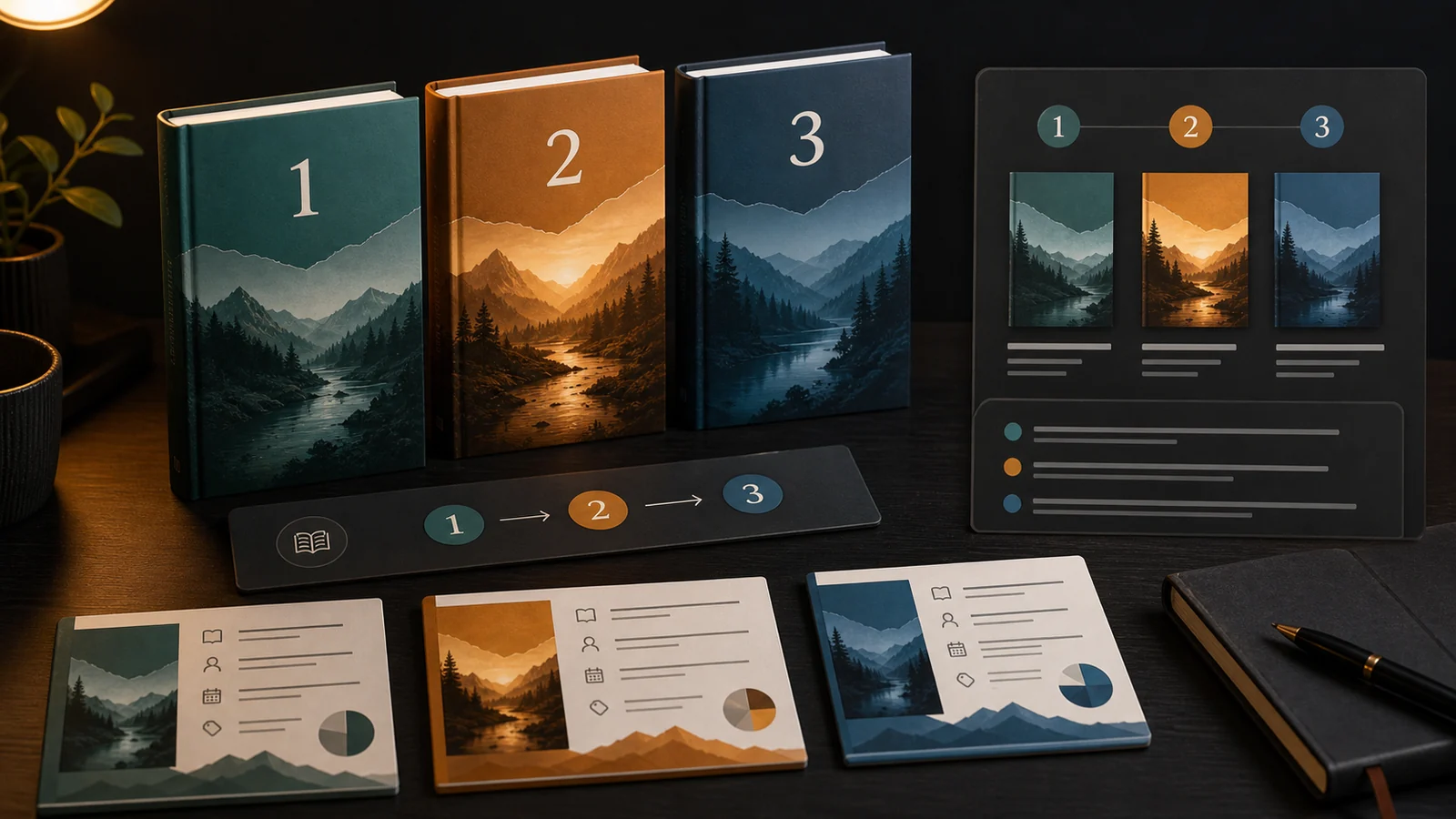
A KDP series page groups eligible books in order
Amazon KDP lets publishers create a series, describe it, specify whether books must be read in order, and add titles over time. KDP says the series can be incomplete, so the page can exist before every planned installment is published.
A clear series page helps readers see sequence and connected editions. It does not replace accurate metadata on each book.
Plan the structure before creating it
- Choose the exact series name and consistent capitalization.
- Decide whether reading order is required or optional.
- Assign book numbers only when sequence matters.
- Prepare a concise series description that applies to every title.
- List the eligible ASINs and confirm editions are linked correctly.
Avoid adding promotional claims that will become inaccurate when a later title changes. Stable positioning—genre, audience, premise, and order—ages better than temporary launch language.
Know the eligibility limits
KDP’s series guidance says any book format can be included, but low-content and public-domain books are not eligible. It also says linked formats are automatically added when one format is included. Check the resulting page rather than assuming every edition link is correct.
Create and verify the series
- Open the Bookshelf and create a new series.
- Enter the series name, description, and reading-order setting.
- Add eligible books and assign positions where appropriate.
- Submit the series and wait for the live detail page.
- Check title order, formats, covers, links, description, and regional availability.
- Add later releases and remove incorrect titles through KDP.
KDP notes that a live series page can take up to 72 hours. Schedule verification time before a coordinated launch or advertising campaign.
Keep editions and metadata consistent
| Element | Check |
|---|---|
| Name | Exact spelling and capitalization across covers and metadata |
| Order | No gaps, duplicates, or misleading sequence numbers |
| Formats | Correct Kindle, paperback, and hardcover editions linked |
| Cover system | Recognizable series identity without making titles indistinguishable |
| Description | Accurate for published and planned books |
For the individual-book workflow, see how to publish on Amazon KDP. Revisit the official series help page before structural changes because eligibility and interface details can change.
Frequently asked questions
Yes. KDP allows incomplete series. You can add or remove titles and update the series as new books become available.
KDP says linked formats are added automatically when one format is included. Check the live page to confirm the intended Kindle, paperback, and hardcover editions are connected.
No. Amazon’s KDP series guidance lists low-content and public-domain books as ineligible for series creation.
Sources and references
- Create a book seriesAmazon KDP · primary · Accessed 2026-08-20