

Reliability begins with the payload
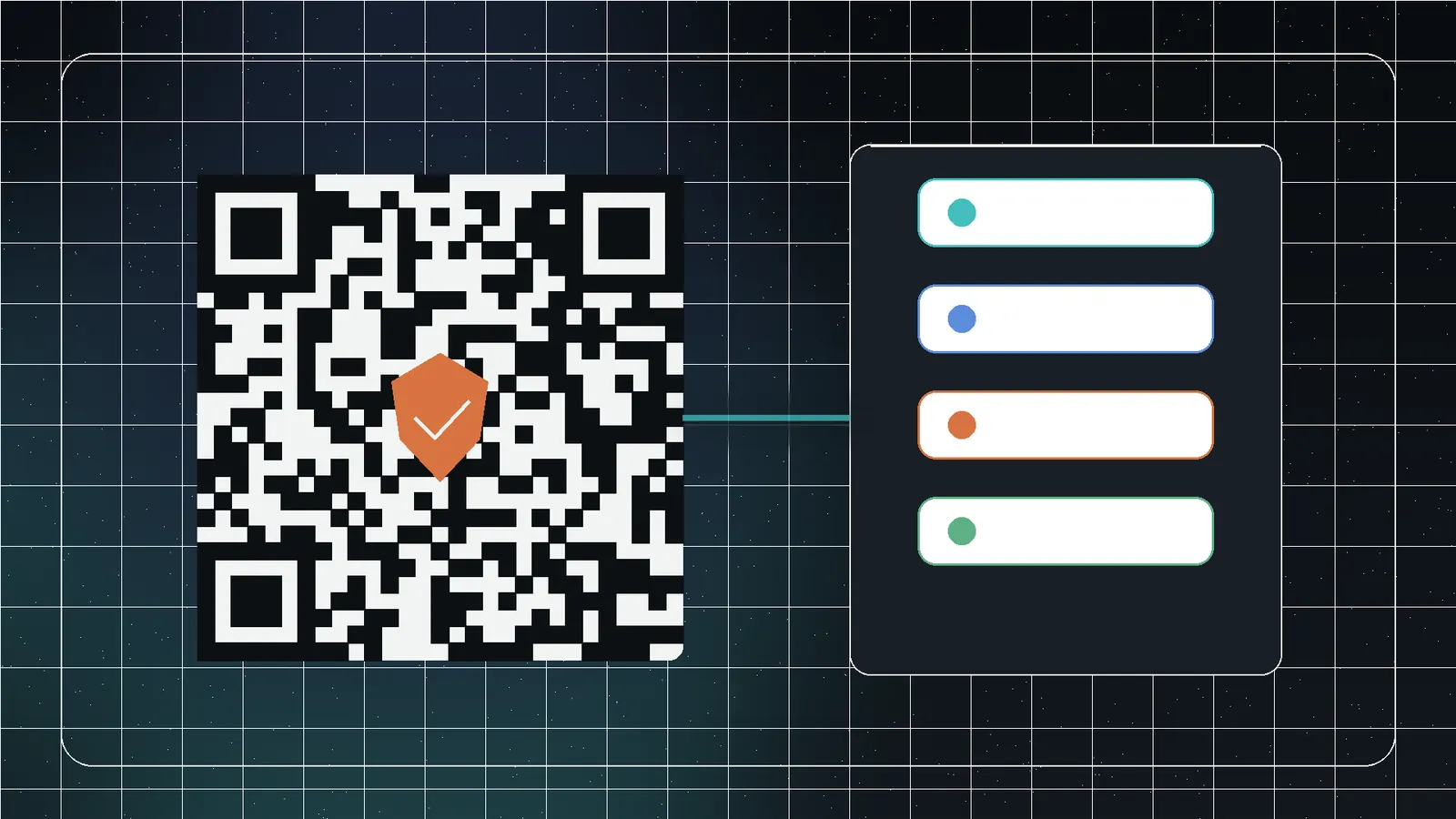
A QR code encodes a string. The scanner decides what that string means. URL, email, phone, SMS, contact, Wi-Fi, and calendar events use different structures. A visually perfect code can still fail if the payload is malformed.
Use the shortest valid payload. More data requires more modules or a denser code, reducing physical module size.
Choose the right content type
| Use | Consideration | Test |
|---|---|---|
| URL | HTTPS and final canonical destination | Logged-in and logged-out |
| Address, subject, body encoding | Spaces and line breaks | |
| Phone/SMS | International number and prefilled text | iOS and Android |
| vCard | Correct field structure | Import every field |
| Calendar | Start/end and timezone | Multiple calendar apps |
| Wi-Fi | SSID, security, password | Non-production network first |
Protect the quiet zone
Denso Wave’s guidance calls for a margin around the symbol. Do not place borders, text, logos, crop marks, or background detail inside it. Preserve the quiet zone in the final layout, not only the exported source.
Module size controls print reliability
Fine modules are vulnerable to blur, ink spread, low resolution, distance, and poor lighting. Test at final physical size. A poster scanned from two meters needs different dimensions from a product label held in the hand.
Error correction and logos
Higher error correction can recover more obscured modules but increases density. Keep logos centered, small, and away from finder patterns. A solid backing is more predictable than detailed transparency.
The large corner squares are essential to orientation and detection.
Contrast and color
Dark modules on a light background are safest. Reversed colors, gradients, low contrast, transparency over photos, gloss, and reflective materials add risk. Test in grayscale, bright light, dim light, and the real print process.
Create the code in Jivaro
- Open Custom QR Code Generator.
- Select text/URL, email, phone, SMS, contact, or event.
- Complete the structured fields.
- Choose conservative colors and shapes.
- Add a supported logo only when needed.
- Select correction and quiet zone.
- Choose export dimensions.
- Export PNG or SVG.
- Scan the exported file, not only the preview.
vCards and events require semantic testing
A successful scan is only the first test. Verify that names, phone labels, email, website, start/end times, timezone, location, and description import correctly. Contact and calendar apps interpret optional fields differently.
Production test matrix
Test recent iPhone and Android devices.
Use the intended label, sign, package, or slide distance.
Glare and shadows expose weak contrast.
Printing changes edges and dimensions.
Verify the page, contact, message, network, or event.
Static versus managed destinations
A QR code that directly contains a final URL will keep pointing there as long as the route exists. A managed redirect lets the destination change and can add analytics, but creates another service dependency and privacy decision. For long-lived labels, use an owned domain and a stable redirect route rather than a vendor-specific short link that can expire.
Never embed secrets, private Wi-Fi credentials, or personal information in a publicly displayed code merely because the pattern looks opaque. Anyone can scan and decode it.
Diagnose a failed scan
- Test the exported file at large size.
- Remove the logo and decorative styling.
- Restore dark-on-light colors.
- Increase quiet zone and overall size.
- Reduce payload length.
- Test a second device and scanning app.
- Print with the real production method.
Change one variable at a time so the cause becomes clear.
Frequently asked questions
Use the lowest level that reliably supports the design and environment; increase it when a logo or damage removes modules, then retest.
Keep it centered, small, and away from finder patterns.
Scaling, resolution, ink spread, contrast, glare, curvature, or a cropped quiet zone can damage readability.
PNG is convenient for raster workflows; SVG scales cleanly when downstream software preserves the geometry.
Related Jivaro apps
Create styled QR codes for links, Wi-Fi, text, email, phone, SMS, contacts, and events, then export PNG, SVG, or print-ready PDF files locally.
Open appSources and references
- QR Code margin guidanceDenso Wave · reference
- Module size and QR Code sizeDenso Wave · reference
- Error correction featureDenso Wave · reference
- vCard RFC 6350RFC Editor · reference
- iCalendar RFC 5545RFC Editor · reference
- Custom QR Code GeneratorJivaro · first-party