

Embedding an image is not vectorizing it
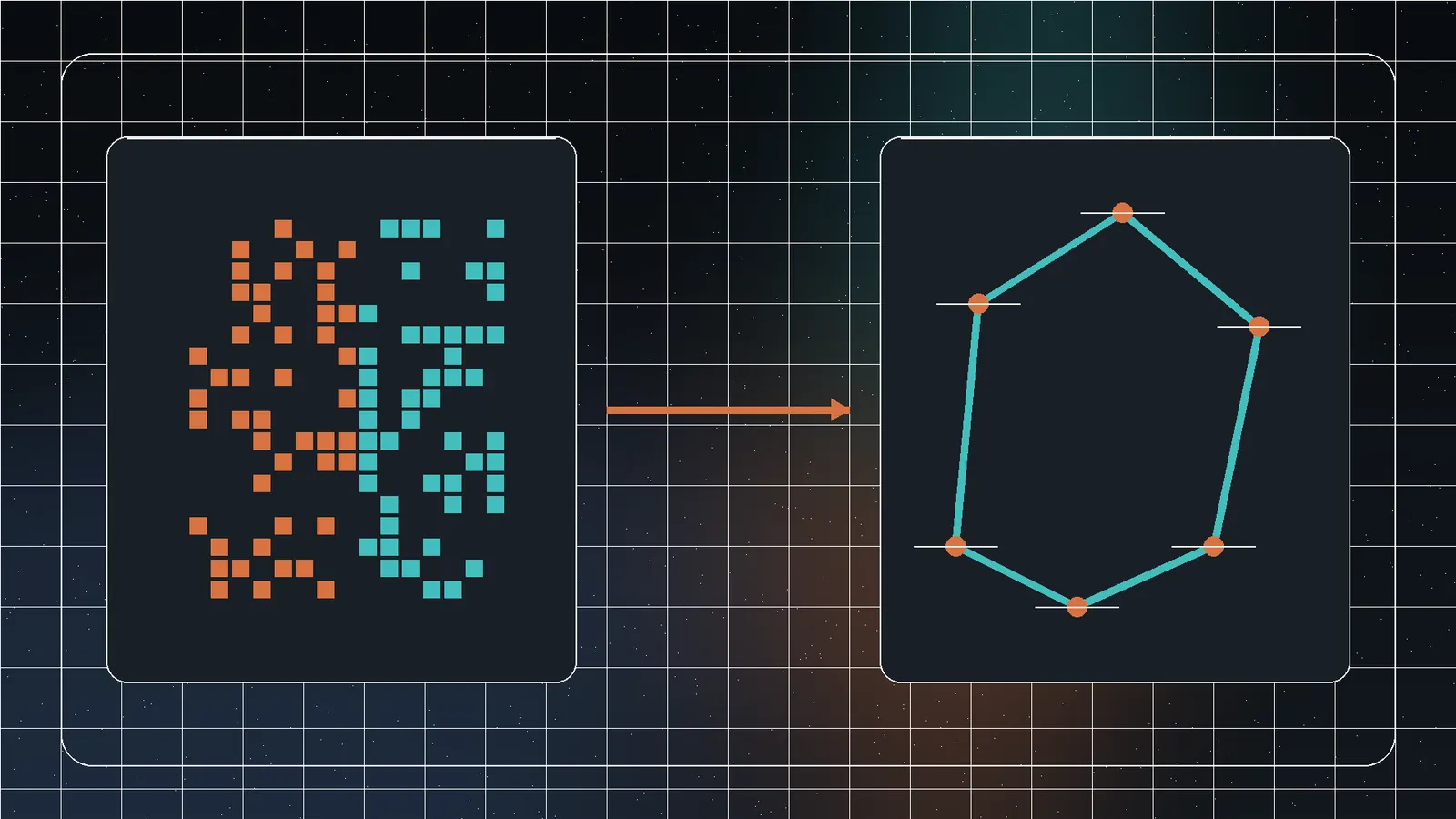
An SVG can contain an embedded raster image. The container scales, but the pixels still blur. True vectorization estimates regions and edges, then represents them as paths, fills, strokes, and shapes.
Automatic tracing does not recover original Bézier curves, fonts, layers, or design intent.
Best candidates
- High-contrast monochrome icons.
- Simple logos with flat colors.
- Clean line art or signatures.
- Diagrams with large solid regions.
- Pixel art when blocky scaling is intended.
Use the highest-quality source. Small JPEGs introduce ringing and blurred edges that become extra paths.
Why photos create bad SVGs
Photos contain continuous color, texture, noise, and soft edges. Tracing can create thousands of shapes and a file larger and slower than the original.
Use JPEG, WebP, or AVIF for photographs unless a deliberate posterized style is required.
Color count controls complexity
| Source | Starting strategy | Follow-up |
|---|---|---|
| Monochrome icon | One-color trace | Simplify nodes and corners |
| Flat logo | Limited palette | Recreate type and exact geometry |
| Line drawing | High contrast, moderate smoothing | Repair gaps and strokes |
| Pixel art | Hard edges, no smoothing | Align to intended grid |
| Photo | Do not trace by default | Illustrate manually if needed |
Use Jivaro’s converter
- Open Image to SVG Converter.
- Add PNG, JPG, WebP, GIF, BMP, or AVIF files within the current batch limit.
- Choose Logo/Icon, Detailed Color, Simple Monochrome, or Fast Batch.
- Adjust color and tracing controls.
- Compare at normal and high zoom.
- Inspect SVG source and file size.
- Download individual files or a ZIP.
Inspect path complexity
Open the result in a vector editor. Check path/node count, tiny shapes from noise, overlapping fills, unclosed paths, transparency, viewBox, dimensions, and embedded raster data. Simplification helps only until it changes the intended shape.
Typography and brand masters need reconstruction
Tracing letters produces pixel outlines, not the original font or kerning. Recreate type and geometric primitives manually for official logos, animation, print production, or artwork that must remain editable.
Security and export
SVG is XML and can contain scripts, external references, filters, and embedded content. Sanitize untrusted SVG before publishing. Verify viewBox, dimensions, transparency, and appearance at the smallest intended size.
A practical manual reconstruction workflow
- Place the raster reference on a locked layer.
- Identify true geometric primitives and symmetry.
- Recreate large shapes first.
- Use as few control points as possible.
- Rebuild typography with the correct font or custom outlines.
- Align spacing, radii, and stroke widths numerically.
- Compare at small and large sizes.
- Remove the reference and inspect the standalone vector.
Automatic tracing can supply a rough silhouette or color regions, but manual reconstruction produces a deliberate master.
Optimize SVG for the web
Remove editor metadata, hidden layers, unnecessary precision, and duplicate definitions. Preserve a correct viewBox. Avoid external dependencies and sanitize untrusted content. Test rendering, focus/accessible naming where interactive, and performance when many SVGs appear on one page.
Frequently asked questions
It may contain an embedded raster image, or the source already had blurred edges.
Detailed tracing can create thousands of paths and coordinates.
Use the fewest that preserve important regions, then inspect complexity.
Treat it as a starting point; manually reconstruct geometry and typography for a brand master.
Related Jivaro apps
Crop and convert PNG, JPG, WebP, GIF, BMP, and AVIF images to optimized SVG, remove backgrounds, refine or recolor palettes, and export files or a ZIP.
Open appSources and references
- Scalable Vector Graphics (SVG) 2W3C · reference
- PotracePotrace · reference
- Image file type and format guideMDN Web Docs · reference
- Image to SVG ConverterJivaro · first-party