

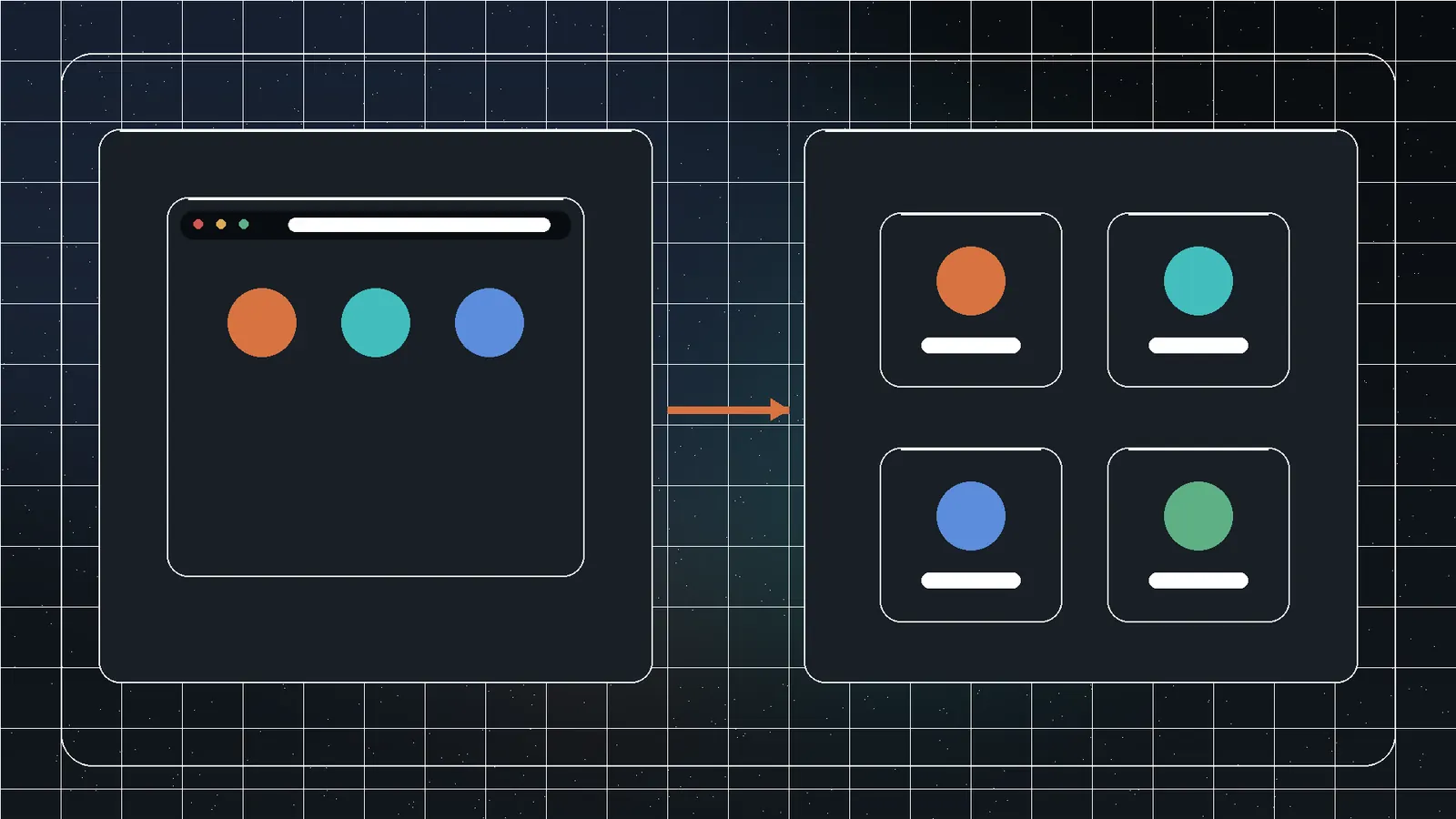
Profile and instance are not interchangeable
A browser profile is a set of user data: cookies, local storage, history, preferences, extensions, and sessions. An instance is a running browser launch context. Several profiles can run under one installation; several instances can use separate user-data directories and launch settings.
The practical question is which storage, process, network, and device resources are shared.
The separation ladder
| Level | Usually separated | Still shared |
|---|---|---|
| Tabs | Documents and some processes | Profile cookies, extensions, device, network |
| Profiles | Cookies, history, local storage, preferences | Installation, OS, network, device |
| Dedicated user-data instances | Profile tree and launch configuration | OS, hardware, DNS, many environment signals |
| OS user accounts | User files and permissions | Device, kernel, network, administrators |
| Virtual machines | Guest OS and virtual hardware | Host, hypervisor, physical network |
| Separate devices | Broadest practical boundary | External accounts and human behavior |
What the Chromium user-data directory contains
It can hold cookies, IndexedDB/local storage, history, bookmarks, preferences, extension state, cache, service-worker data, and sessions. Separate directories isolate much of that browser state. They do not automatically change machine, fonts, graphics hardware, timezone, clock, DNS, or network interface.
What remains shared
- Windows installation and security policy.
- Hardware and graphics characteristics.
- Fonts, language, clock, timezone, and locale.
- DNS and default network.
- Endpoint monitoring and administrator access.
- Clipboard and files outside the profile.
- Remote accounts and user behavior.
Where proxies fit
A proxy changes the route for supported traffic and may change the observed IP. It does not separate cookies, storage, accounts, DNS behavior, or device attributes. It also adds a provider that may observe traffic metadata. Use only authorized proxies and verify the actual route.
How Instanciar uses instances
Instanciar manages Chromium launch configurations with dedicated profile directories and optional approved proxy settings. It is useful for client/project compartmentalization, clean-state testing, separate extensions/sessions, and repeatable maintenance.
It is not a virtual machine, anti-fraud product, or guarantee that platforms perceive instances as unrelated.
Choose by consequence
Separate work and personal logins.
Repeat clean state and extension sets.
Limit files and applications.
Use stronger OS isolation.
Reduce shared state further.
Do not copy profiles casually
Copies can duplicate active sessions, tokens, local databases, and history, and can corrupt if the browser is running. Build clean templates without accounts, close processes before copying, encrypt backups, and revoke/delete retired profiles.
Threat-model examples
For ordinary separation of personal and work logins, browser profiles may be sufficient. For repeatable QA with clean cookies and extensions, dedicated user-data instances are useful. For running untrusted executables, use a sandbox or VM. For regulated or high-impact isolation, involve security specialists and consider separate managed devices.
Choose the boundary based on the harm caused by accidental sharing or compromise, not the convenience of the tool.
Verify the boundary periodically
Browser and extension updates can change storage or launch behavior. Repeat a harmless cross-profile test, review shared downloads and clipboard practices, verify proxy routing, and inspect whether backup or synchronization tools are copying profile data beyond the intended boundary.
Frequently asked questions
Normally yes when using separate profile storage; device and network conditions remain shared.
No. It is still a process on the same OS and device.
No. It changes routing, not cookies, storage, accounts, or device state.
When untrusted software, privilege separation, regulation, or compromise impact needs a stronger boundary.
Sources and references
- Chromium user data directoryChromium Project · reference
- InstanciarJivaro · first-party
- Instanciar Setup GuideJivaro · first-party