

What Instanciar manages
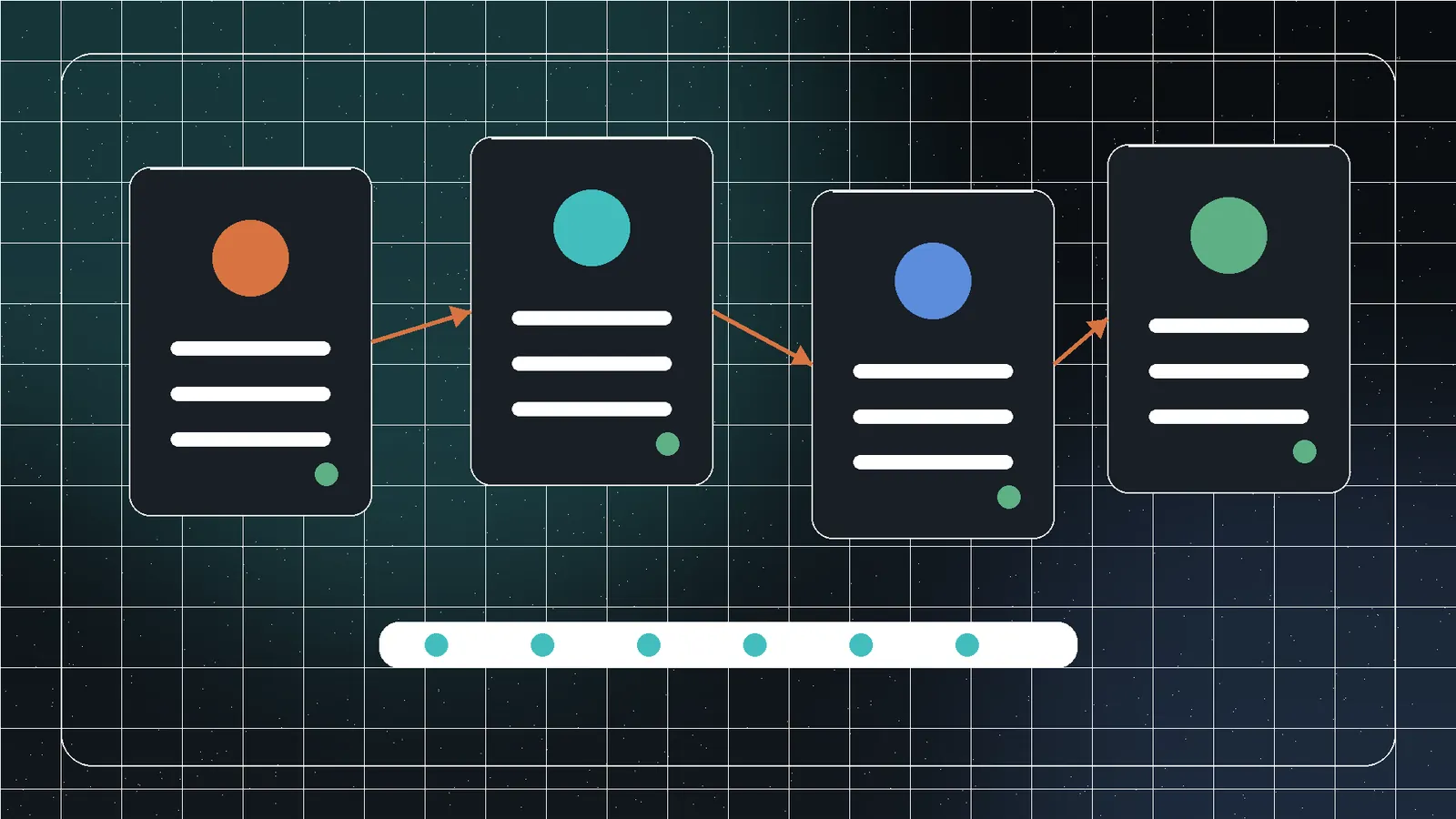
Instanciar is a portable Windows manager for separated Chromium-based browser instances. It helps create, configure, group, and launch environments with distinct user-data directories, cookies, local storage, session context, and optional approved proxy settings.
It does not guarantee anonymity, anti-detection, security, or compliance with a website’s terms. Separation is an operational boundary, not a magical identity.
Plan the instance before creating it
- Legitimate purpose and owner.
- Approved browser executable.
- Data that may be stored.
- Whether a proxy is required and authorized.
- Retention and deletion date.
- Backup policy.
- Accounts permitted in the instance.
Use descriptive names rather than anonymous “Profile 1” labels.
Choose a verified browser path
Use a trusted installed or portable Chromium-based browser and confirm it starts normally. After updates, verify the executable path. Never point multiple active instances at the same user-data directory.
Create the first instance
Purpose and owner.
Verified executable.
Dedicated user-data directory.
Approved configuration only.
Run profile checks, then low-risk testing.
Use profile checks before launch
Instanciar v0.14 checks for conditions such as a missing browser path, duplicate/conflicting profile directory, unavailable proxy, incomplete settings, unexpected group/owner, or inaccessible folder. A green result means configured checks passed; it does not prove a remote account or site will behave as expected.
Configure proxies responsibly
Use only authorized proxies. Record provider, endpoint, protocol, authentication, geography, owner, and expiry. Test connectivity separately from account login.
Websites observe many signals beyond IP. A proxy may violate service rules or introduce logging and trust risks.
Verify separation
- Launch the first instance.
- Create a harmless browser setting or cookie.
- Close it completely.
- Launch a second instance with a different directory.
- Confirm the state does not appear.
- Check process closure and relaunch.
- Verify downloads and cache locations.
OS, device, fonts, clock, DNS, security tools, and underlying network remain shared.
Group and maintain instances
Use groups for clients, projects, test environments, or lifecycle states such as test, active, review, and retire. Review owner, status, browser path, proxy authorization, and storage growth on a schedule.
| Frequency | Check |
|---|---|
| Before launch | Profile health, path, proxy, purpose |
| Weekly/project | Owner, status, failed launches, storage |
| After browser update | Path, extensions, compatibility |
| After credential change | Authentication and saved-secret cleanup |
| At project end | Export, revoke, archive, or securely delete |
Back up carefully
A user-data directory may contain sessions, cookies, history, local databases, extensions, downloads, and sensitive cache. Back up only when restoration is required, encrypt copies, close the browser first, record versions, test restoration on noncritical data, and delete retired copies.
Upgrade through the changelog
Review the Instanciar changelog, back up configuration, and test one disposable instance before migrating active profiles.
Responsible-use boundaries
Do not use separated instances to evade access controls, impersonate users, conceal prohibited conduct, or defeat fraud and safety systems. Client work should have written authorization, clear account ownership, and a documented network/proxy policy. When a platform offers official test environments, sandboxes, or APIs, prefer those controls.
Retire an instance cleanly
- Export only required bookmarks, files, or records.
- Sign out and revoke active sessions where appropriate.
- Remove saved credentials and proxy secrets.
- Close all browser processes.
- Archive or securely delete the profile according to policy.
- Remove the Instanciar record and update the project inventory.
Frequently asked questions
Its dedicated user-data directory can separate cookies, local storage, history, cache, extensions, and sessions.
No. Device, network, account, and browser signals remain.
They should not. That defeats separation and can cause corruption.
Only when restoration is required; backups can contain sensitive session data and should be encrypted and controlled.
Sources and references
- InstanciarJivaro · first-party
- Instanciar ChangelogJivaro · first-party
- Chromium user data directoryChromium Project · reference