

AutoQuill. Free auto typer for Windows.
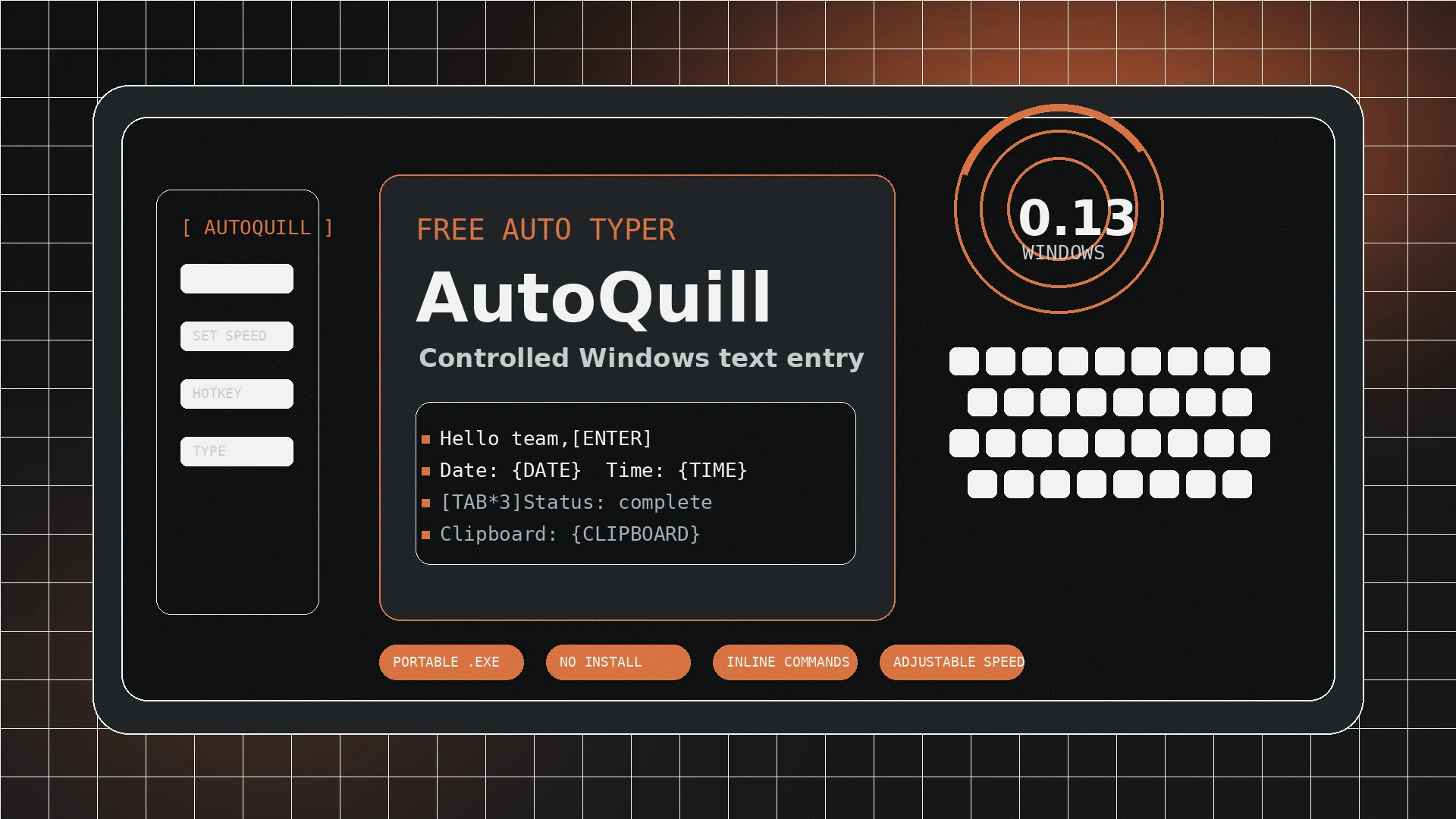
AutoQuill is a portable Windows auto typer for controlled character-by-character text entry, repeatable typing sessions, paste-blocked workflows, and prepared writing flows.
Get the latest AutoQuill build
The current release is highlighted first. Older builds are kept in a collapsed archive for users who need to reproduce a previous workflow.
AutoQuill v0.13
Free portable Windows executable. Download directly from the official Jivaro download link, then keep the file with your everyday tools.
Older versions archiveCollapsed by default
| Version | System | Download |
|---|---|---|
| 0.12 | Windows | Unavailable |
| 0.11 | Windows | Unavailable |
| 0.10 | Windows | Unavailable |
| 0.04 | Windows | Unavailable |
| 0.03 | Windows | Unavailable |
| 0.02 | Windows | Unavailable |
Auto typing without a heavy automation stack
AutoQuill is focused on text entry: type prepared text at a controlled pace, insert common keys, repeat key presses, and add live tokens when a workflow needs dates, times, or clipboard text.
Load prepared text, move your cursor to the target field, trigger AutoQuill, and let it type the content instead of pasting it all at once.
Use slower or faster pacing for forms, browser tools, legacy applications, remote sessions, or other contexts where normal paste behavior is unreliable.
Mix normal text with commands like [ENTER], [TAB*3], and [SPACE*100].
Insert simple live values such as {DATE}, {TIME}, and {CLIPBOARD} inside a typing flow.
How to use AutoQuill
Keep the process simple: download, prepare text, choose your pace, and trigger typing only in places where you have permission to automate text entry.
Use the official Jivaro link and keep the executable in a trusted folder.
Write or paste the text you want typed, then add inline commands only where needed.
Choose speed settings and activation behavior that fit the target field or app.
Put your cursor in the destination field, activate AutoQuill, and monitor the output.
Inline commands for repeatable text entry
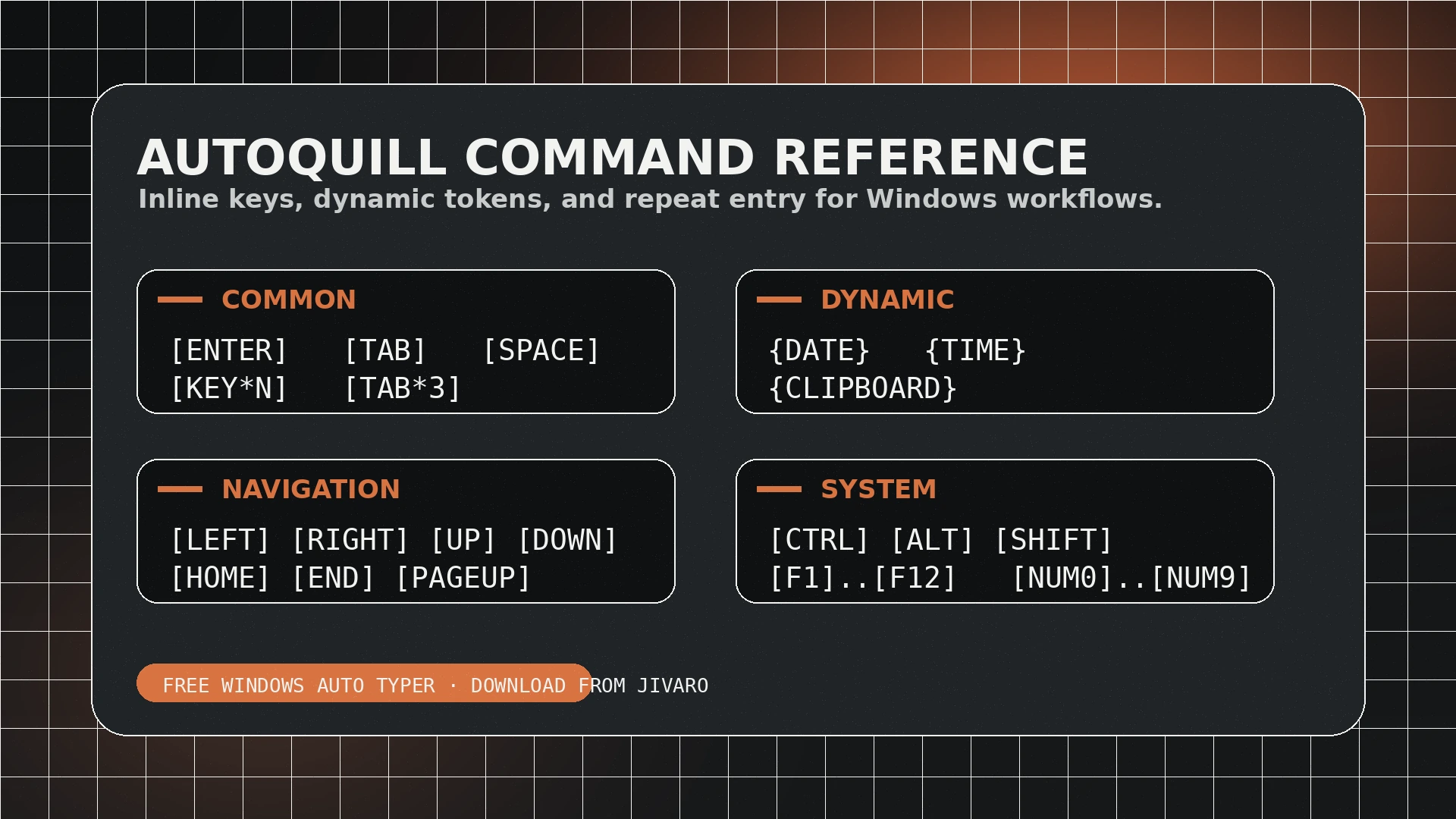
Commands are typed inside your prepared text. Use quotes when you want a command printed literally instead of executed.
Common commands
Press a supported key N times, such as [ENTER*5].
Press Enter once.
Press Tab once.
Press Space. [SPACEBAR] also works.
Dynamic text tokens
Insert the current date in YYYY-MM-DD format.
Insert the current time in HH:MM format.
Insert current clipboard text.
Use quotes to type a command literally.
Navigation and editing keys
Press Backspace.
Press Delete.
Move to the beginning or end.
Use arrow-key navigation.
Use page movement keys.
Press Insert.
Modifiers, system keys, and numpad
Press common modifier keys.
Press Escape.
Use function keys F1 through F12.
Use numeric keypad digits.
Use numpad add or subtract.
Use lock keys when a workflow needs them.
Use AutoQuill only where automation is allowed
AutoQuill is a productivity utility for controlled text-entry workflows. Do not use it to violate platform rules, bypass security controls, spam forms, impersonate users, submit unauthorized content, or automate activity where you do not have permission.
AutoQuill questions
Quick answers for download, setup, support, and routing from older Jivaro pages.
Is AutoQuill free?
Yes. AutoQuill is a free Jivaro software product. Use the official Jivaro download link on this page for the latest version.
Is AutoQuill an auto typer?
Yes. AutoQuill is a Windows auto typer that simulates controlled character-by-character typing instead of pasting text all at once.
Does AutoQuill need installation?
No full installer is required for the current download. AutoQuill is provided as a portable executable.
Where do I get support?
Use Jivaro Support for product issues. Include the AutoQuill version, your Windows version, what happened, what you expected, and steps to reproduce the issue.
What happened to the old AutoQuill URLs?
Legacy program routes now route into the Jivaro Software section. The canonical page is /software/autoquill.
Keep going
AutoQuill lives in the Jivaro Software catalog, with comparison content and support kept in their own current routes.