

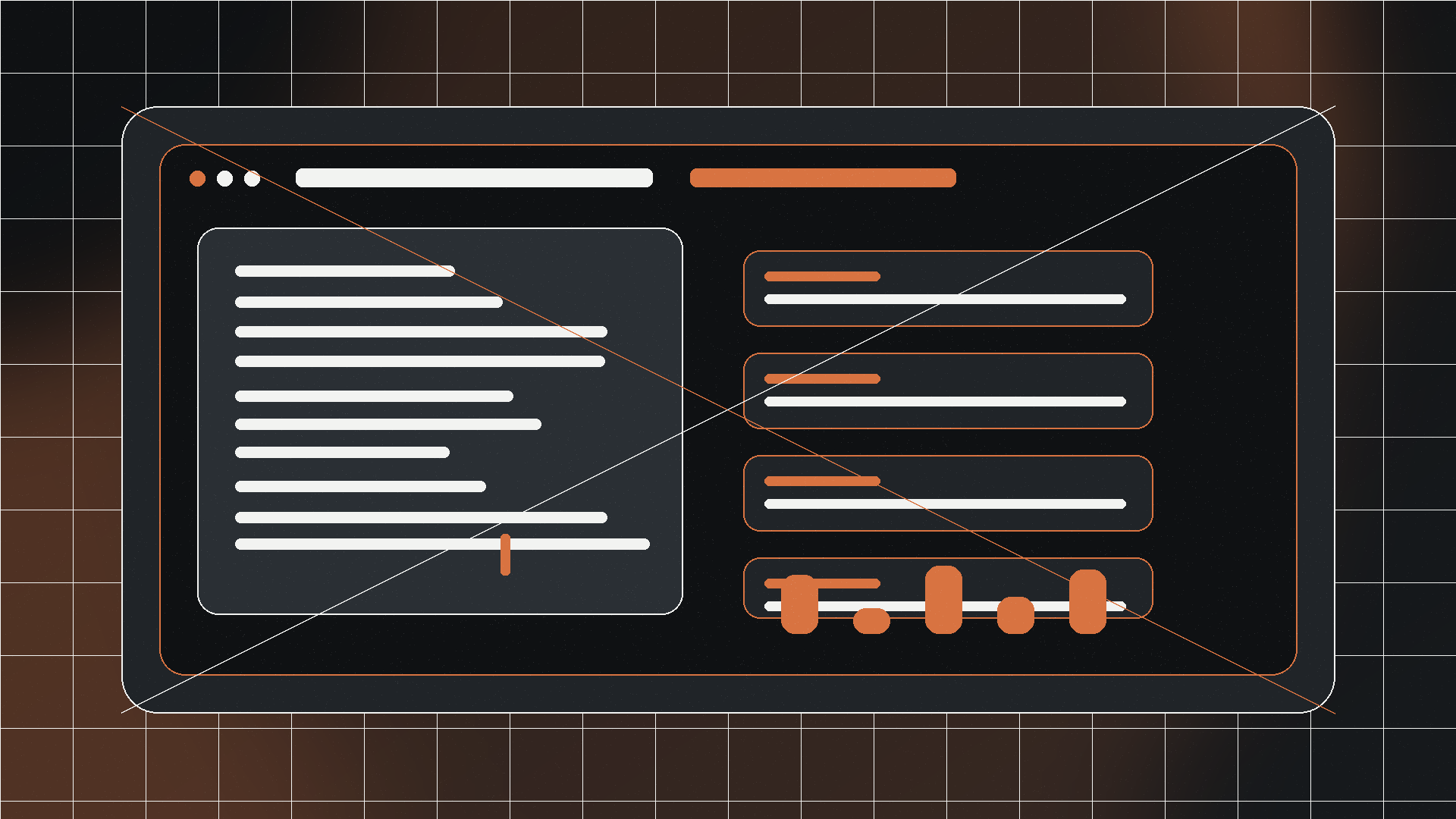
A new live-session header keeps status, progress, ETA, profile, speed, and target state together during a run.
Sticky typing feedback is clearer, including capture state and active target status.
Saved profiles and runtime tokens such as clipboard, date, and time are easier to reach from the main window.
Humanized typing controls now respond more predictably when simulated pauses or breaks are enabled.
What changed in AutoQuill v0.13
AutoQuill v0.13 is a front-end and workflow release for Jivaro’s Windows auto typer. The update reorganizes the main window around an active typing session, so users can see the current status, progress, ETA, typing setup, profile, and sticky-target state without hunting across separate rows.
The settings dialog remains separate, which keeps the main screen focused on live typing. That distinction matters for a tool that may be running while the user is watching a form, chat window, text area, or paste-blocked input field.
Why the live session view matters
The old problem with many auto typers is not starting the typing run; it is knowing what the tool is doing after the run begins. This release makes that state more legible. Idle, typing, and paused states are easier to distinguish, and progress indicators now sit closer to the controls users actually check during a run.
The release also strengthens everyday controls. Profile loading is available from the main window, quick token buttons make reusable text easier to prepare, and sticky target feedback is more visible during both capture and live runs.
Changelog highlights
- New live-session header with status, progress, ETA, and current setup in one area.
- Clearer Idle, Typing, and Paused presentation.
- Dedicated support placement instead of mixing support with runtime controls.
- Faster access to saved profiles from the main window.
- Quick runtime token buttons for clipboard, date, and time.
- Clearer sticky typing target feedback.
- More consistent visual treatment across the main window and settings dialog.
- Stronger hover and click feedback throughout the app.
- Live settings warnings for risky or confusing typing setups.
- More meaningful WPM behavior when human-like pauses and breaks are enabled.
Where to get it
AutoQuill v0.13 is the current highlighted build on the AutoQuill product page. Users who only need the latest release should start there; the product page also keeps older builds in a collapsed archive for cases where a previous version is required.
Download AutoQuill v0.13
Use the stable official Jivaro download route for the current Windows build. The product page lists its file size and SHA-256 checksum.
Sources and references
- AutoQuill product pageJivaro · first-party
- Official AutoQuill v0.13 downloadJivaro Downloads · first-party